The Hawa Code default plugin marketplace comes with the built-in AI Work core capabilities, allowing you to install office plugins such as PPT and Word with one click.
Install Default Marketplace Plugins
1. Open the Plugin Marketplace List
Enter the /plugin slash command to open the plugin marketplace list, then switch to the Marketplaces tab:
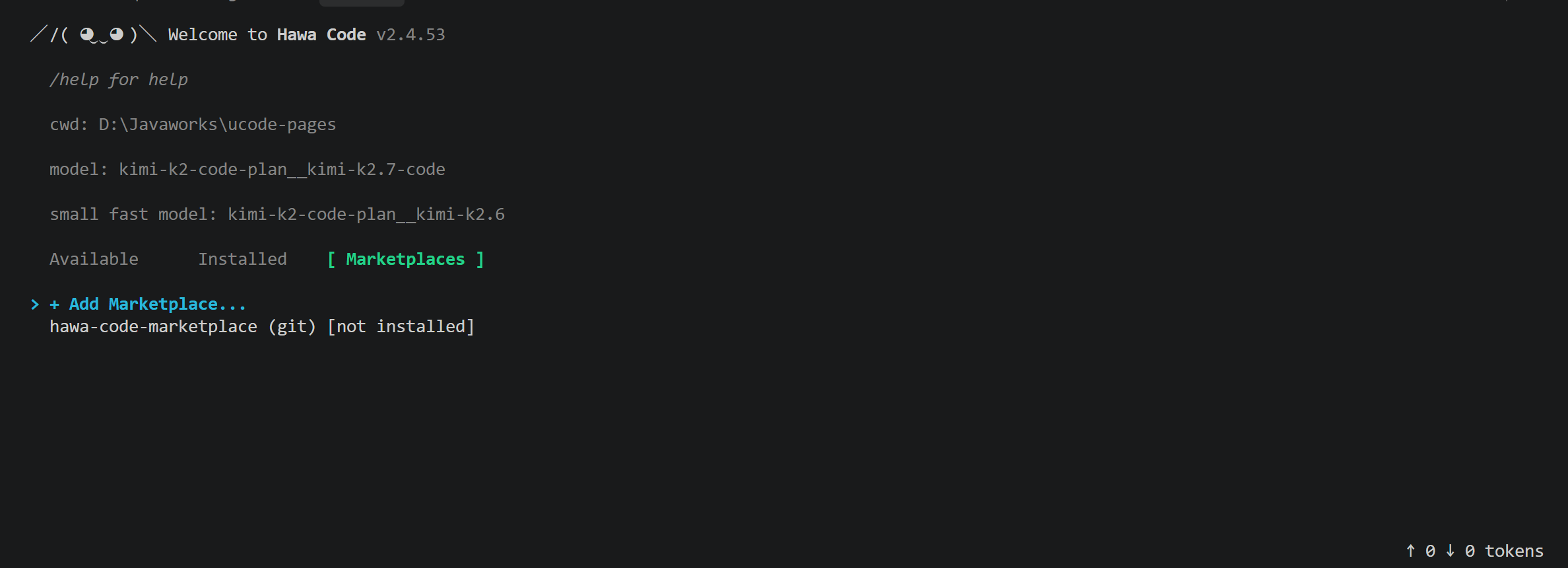
2. Install the Marketplace
Select hawa-code-marketplace and install it:
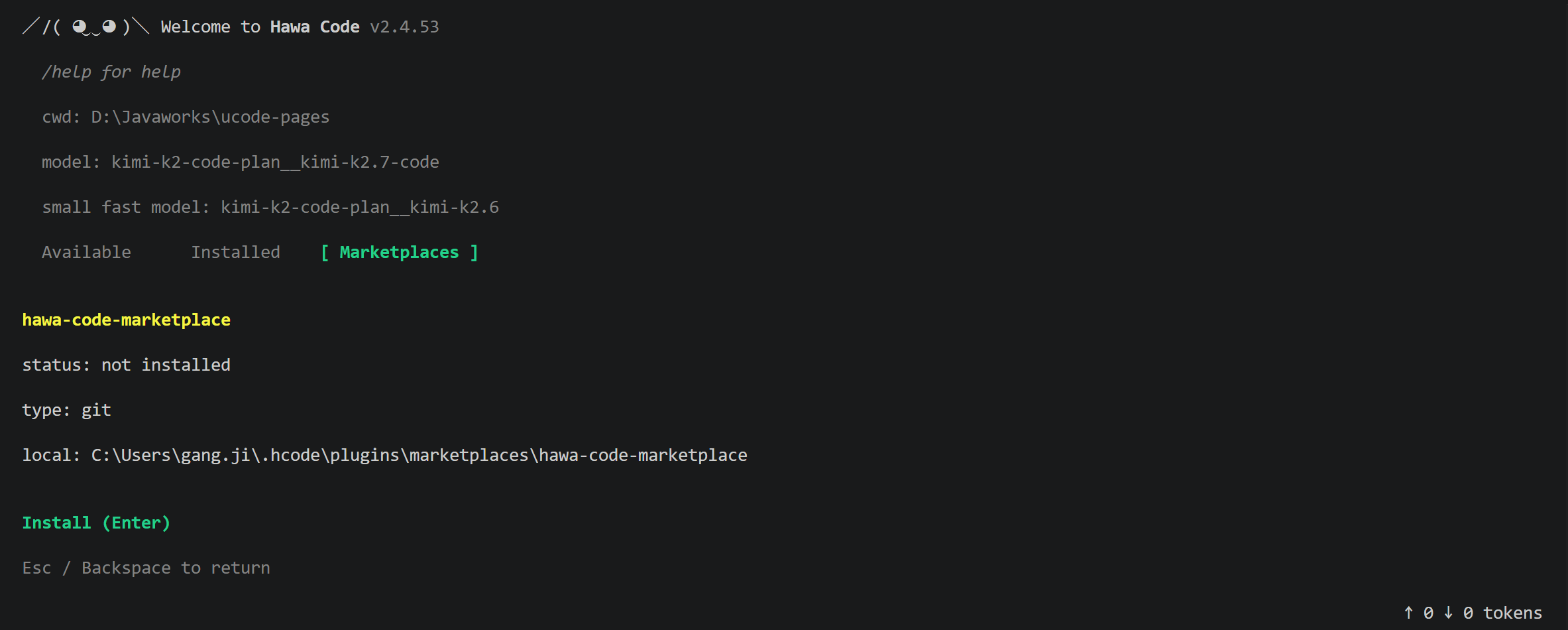
3. Install the AI Work Plugin
Switch to the Available tab, select ai-work@hawa-code-marketplace, and install it:
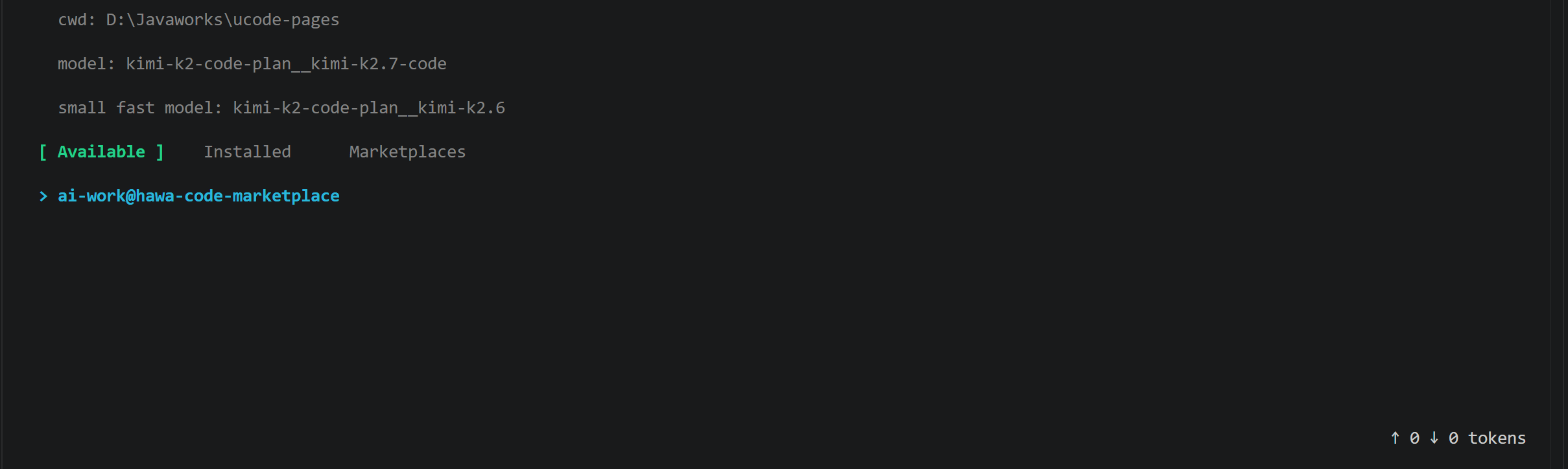
Once installed, you can use AI Work core capabilities such as PPT and Word.